UI Code
This path is designed to translate visual designs into functional user interface components, with the optional ability to connect them directly to your backend APIs.
Workflow
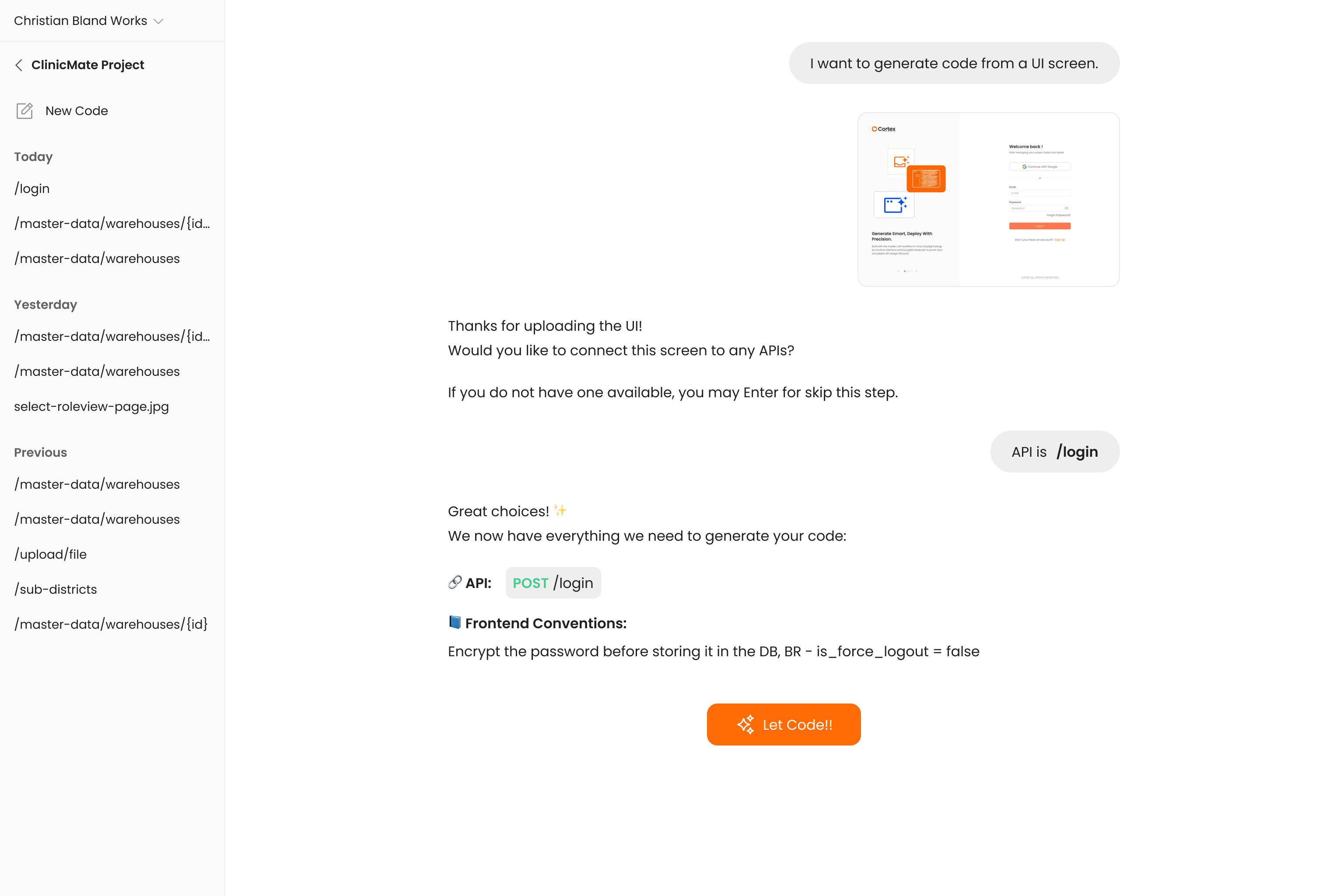
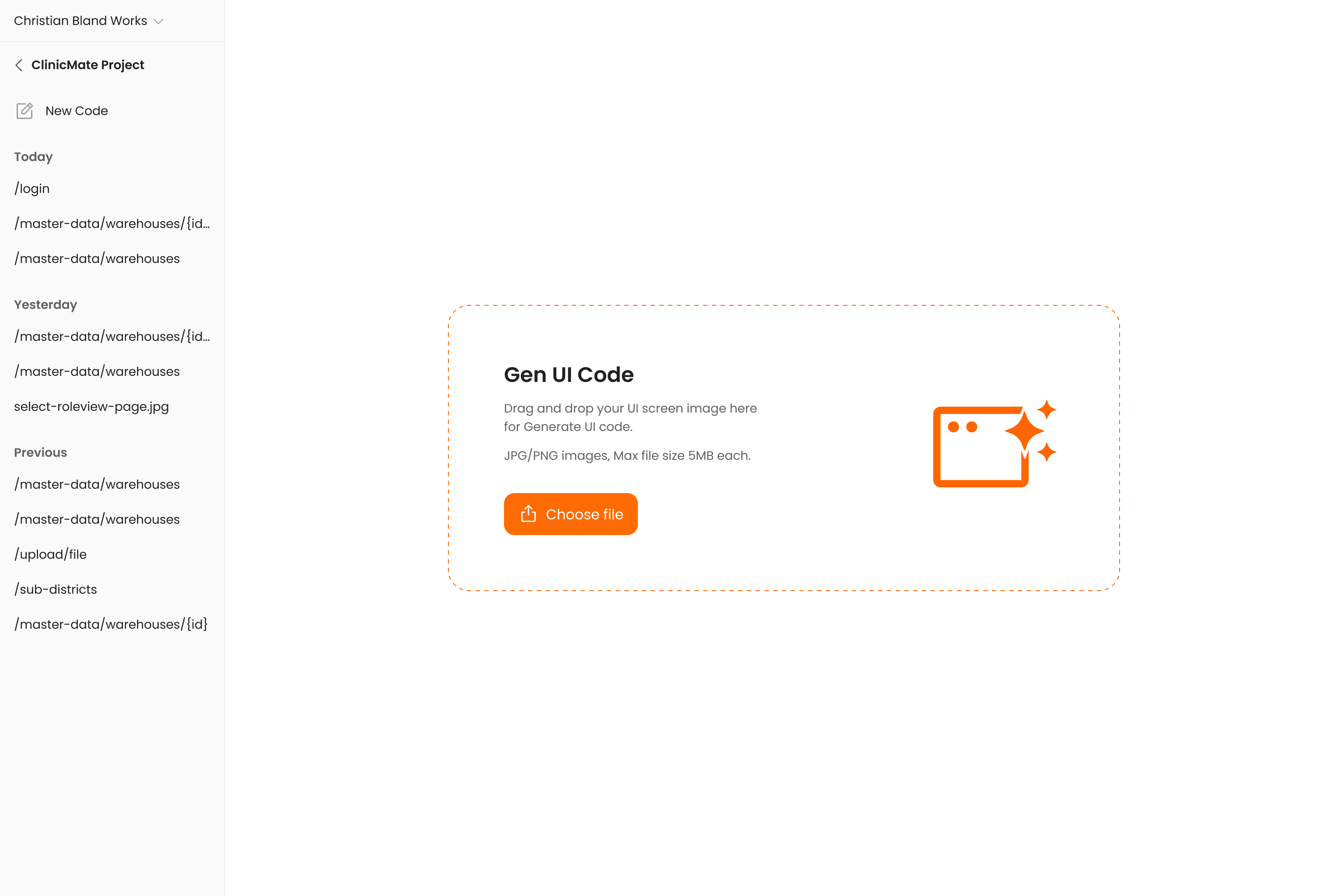
- Upload UI Image - You start by uploading an image of the UI you want to build (e.g., a screenshot or a mockup from a design tool). The AI analyzes the image to understand the layout, components, colors, and overall structure.
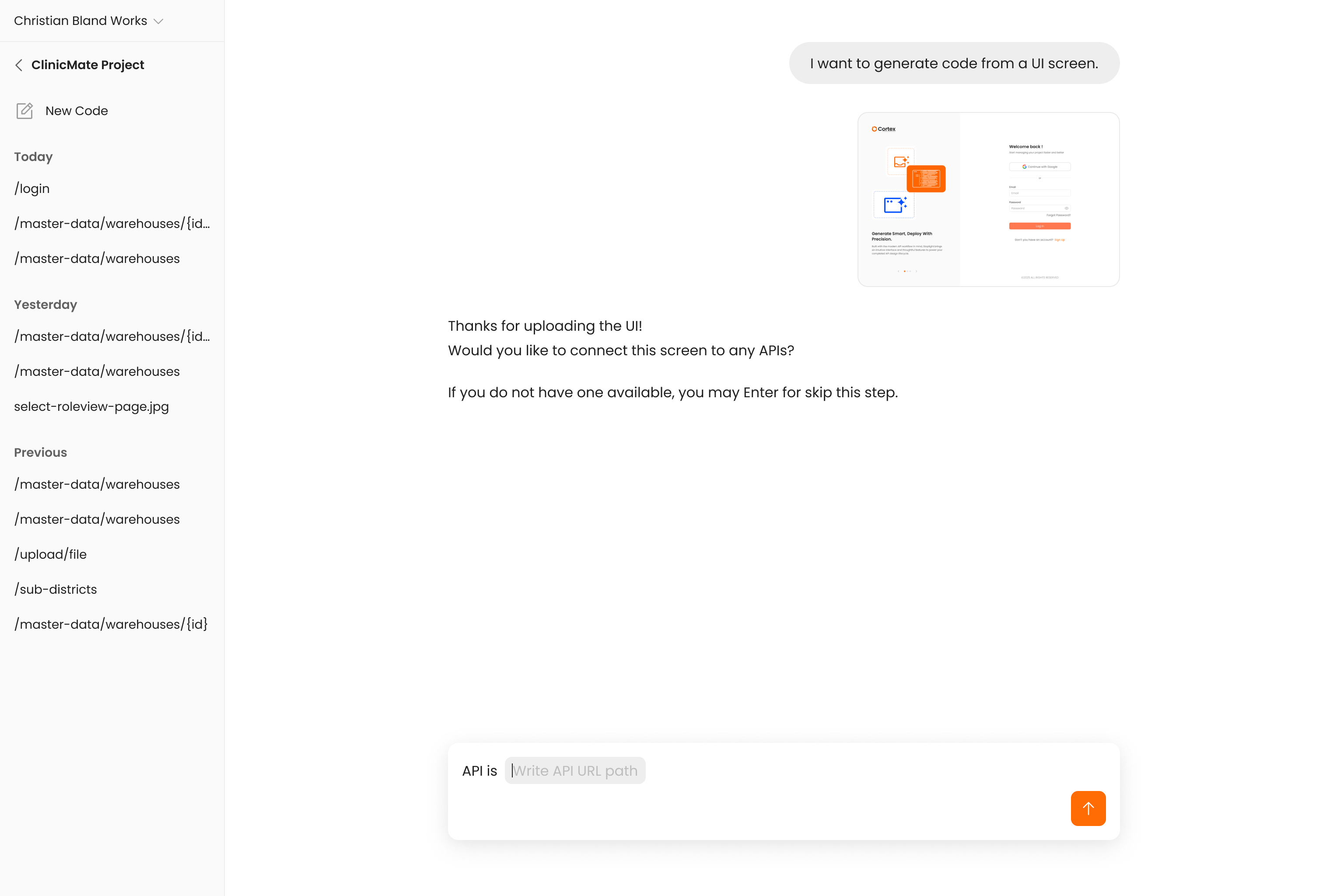
- API Integration (Optional) - You decide whether this UI component should be static or dynamic.
- Without API: The AI will generate the code for a static UI component based purely on the visual design.
- With API: You choose to connect the UI to an existing backend endpoint.
- API Specification - If you choose to integrate with an API, you will select the desired endpoint from your API Spec list. This informs the AI about what data the UI needs to send (e.g., from a form) and what data it should expect to receive and display.
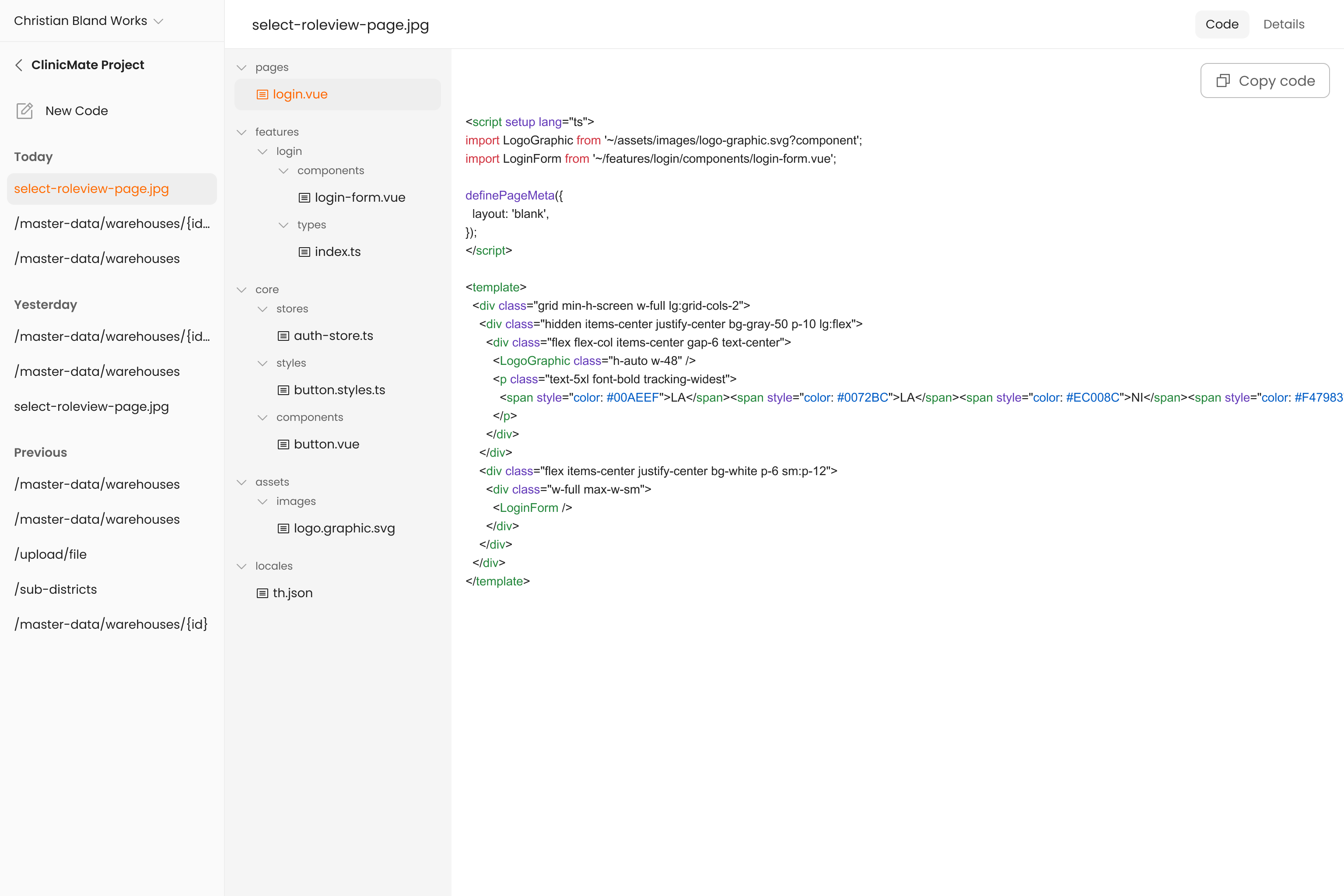
- Generate Code - The AI generates the frontend code. The result is not just a static component that matches the design; it's a dynamic component that correctly fetches or sends data and implements the specific user interaction logic outlined in your conventions.